
Fleet and monitoring
The Fleet views answer progressively more specific questions: what exists, can vops reach it, is it healthy now, and will someone be notified when the workstation is away?
Overview
Overview summarizes:
- provider server count;
- estimated list-price spend;
- limited or sold-out plans;
- cheapest current plans;
- registered-host health;
- provider regions on the map;
- current price-per-memory comparisons.
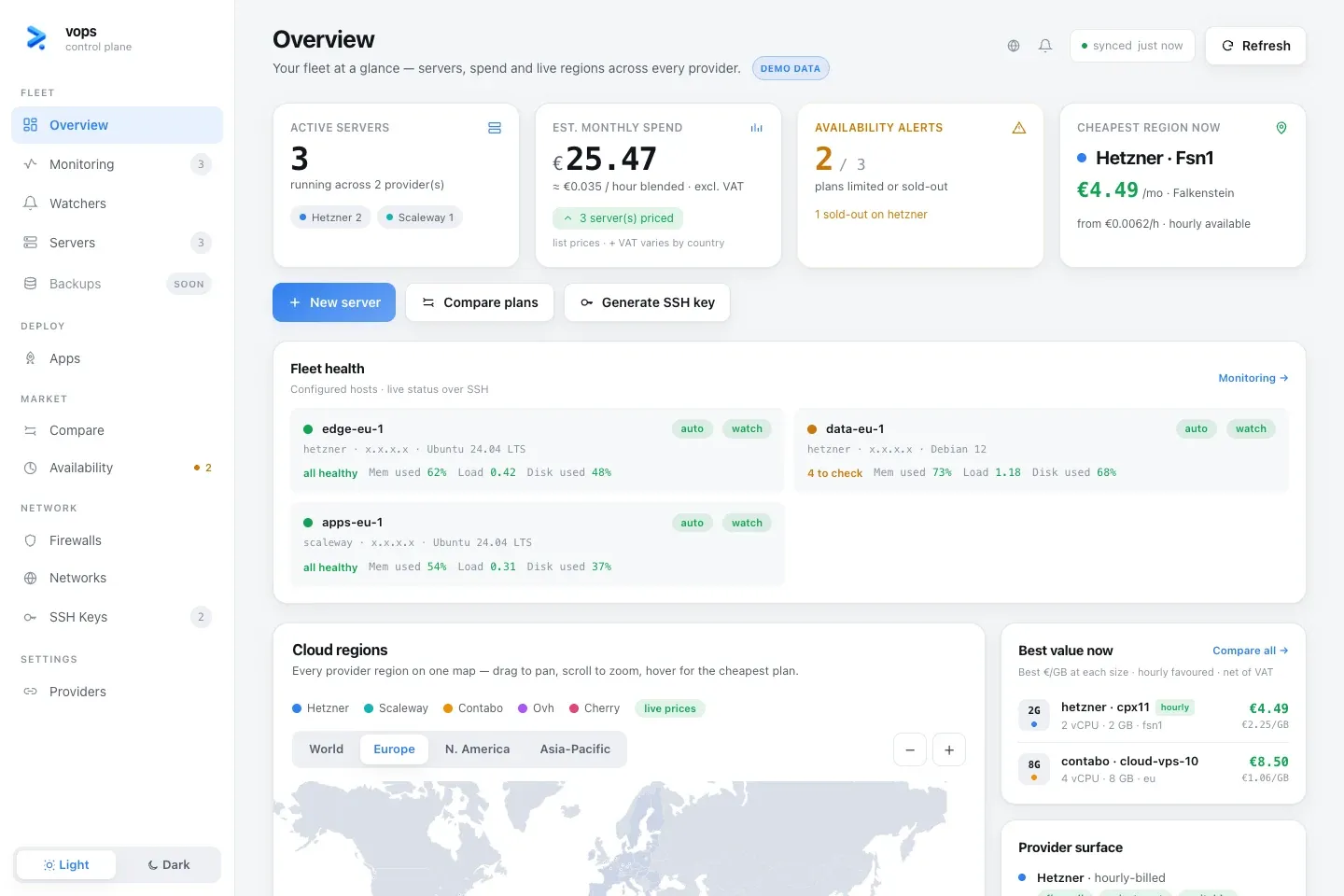
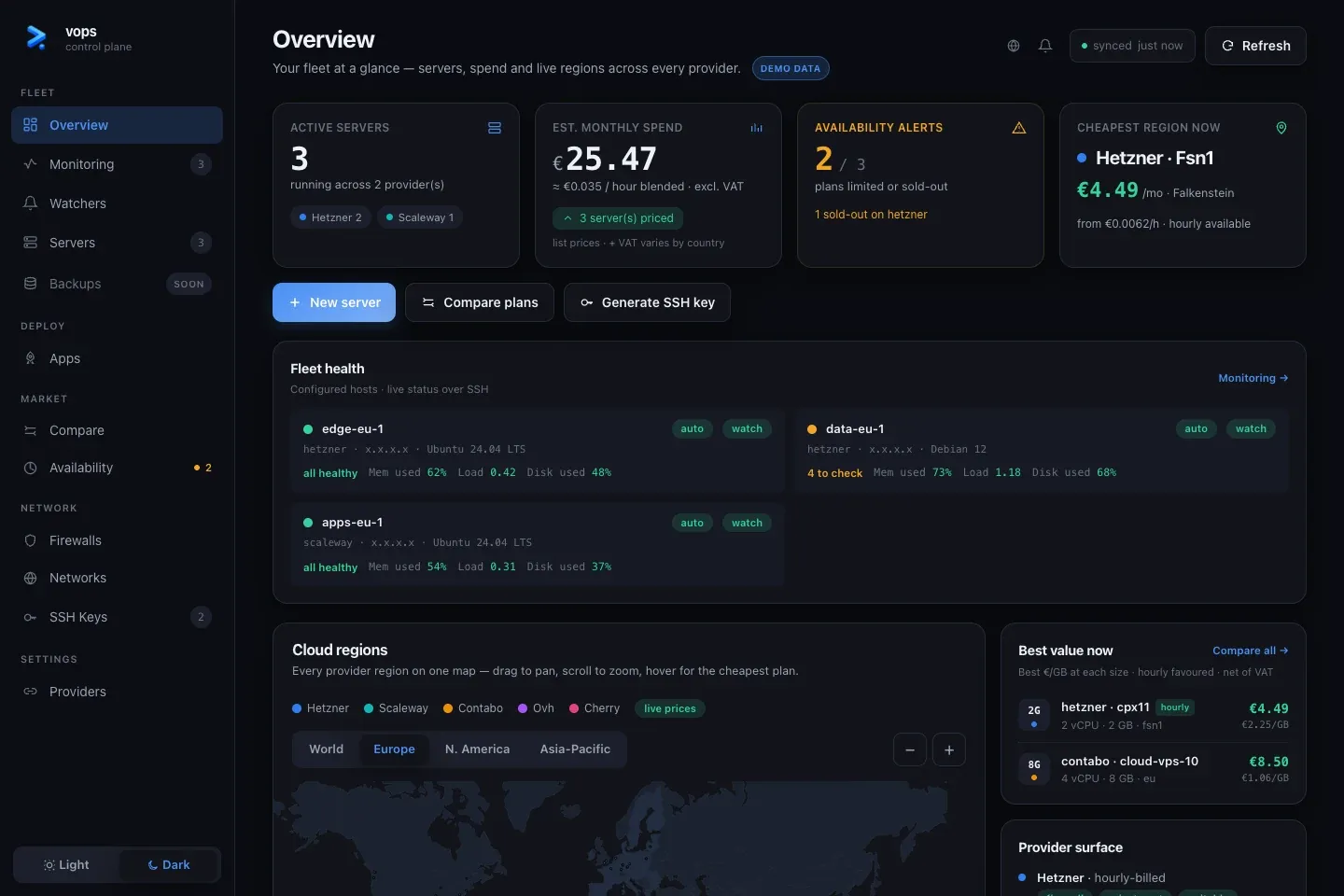
Spend is an estimate from provider list prices, not an invoice. Taxes, discounts, traffic and provider-specific extras can differ.
The map and “best value” cards are research views. They do not create a server when opened.
Servers
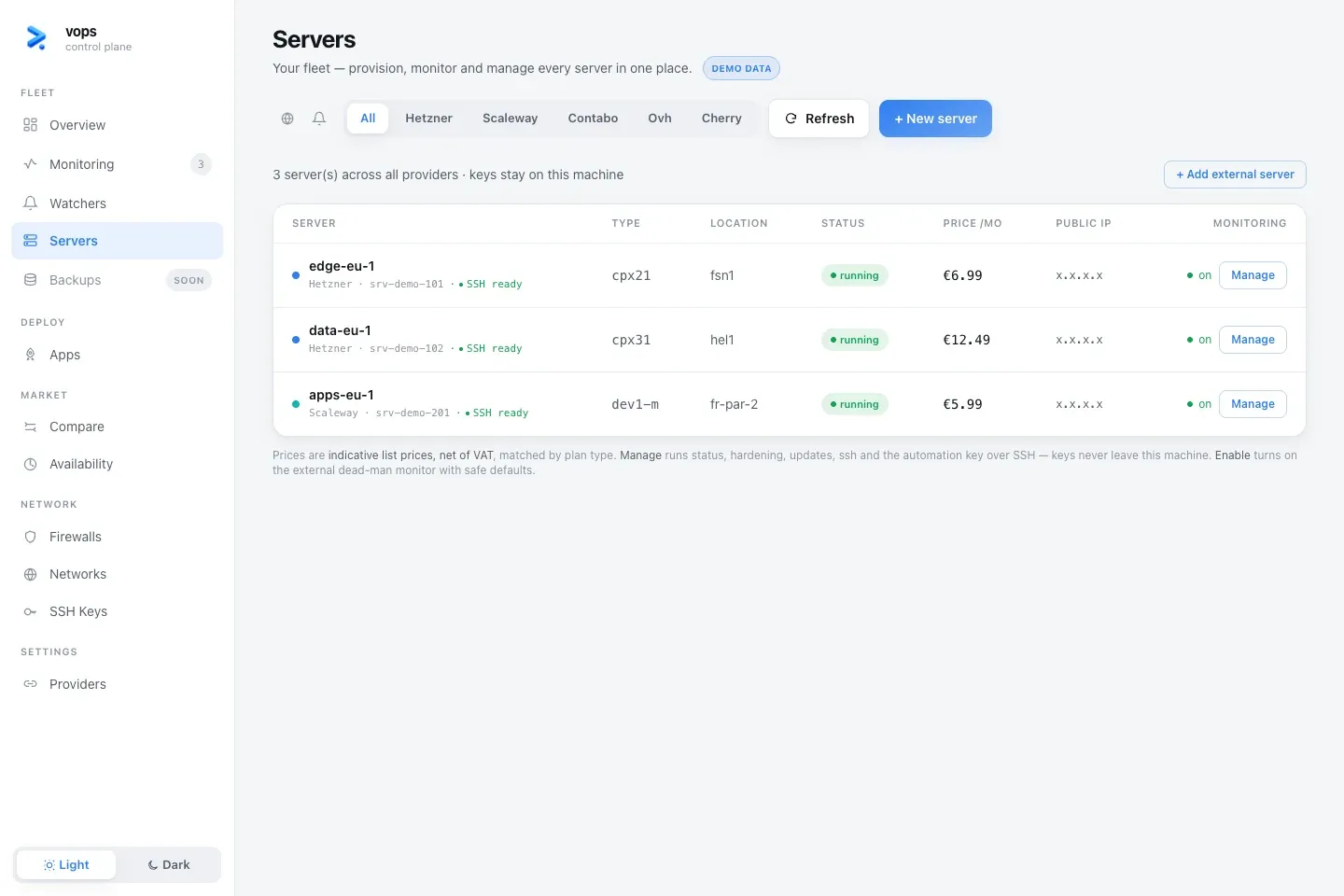
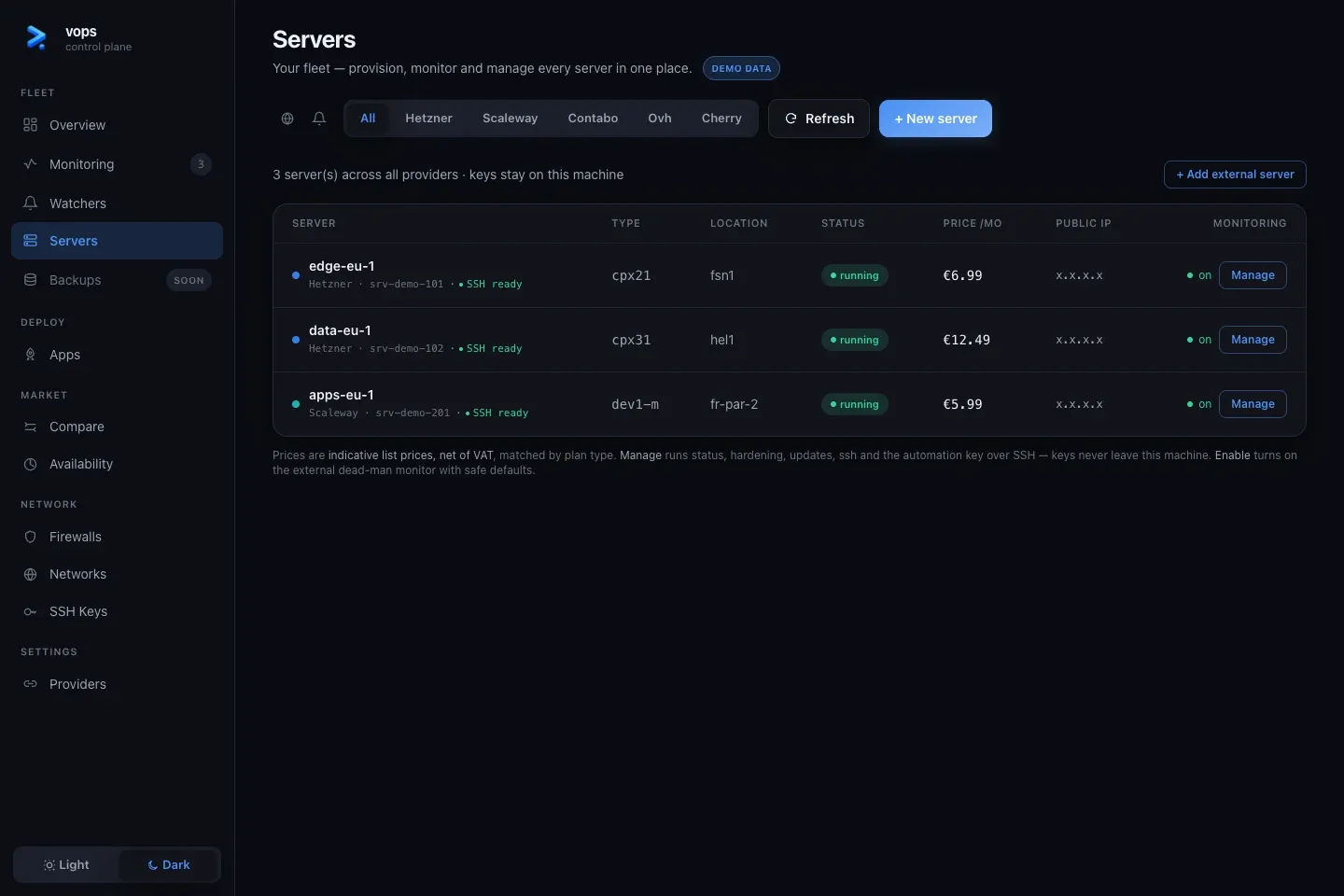
Servers combines provider resources with the local host inventory.
A provider-only row is visible through an account API but has no working SSH management path. A managed host row has an inventory entry and reports its connection state. Select Manage to inspect or configure that path.
Adding an external server creates local inventory; it does not provision a new provider resource.
| Dashboard action | CLI equivalent |
|---|---|
| Add external server | vops host add |
| Import provider server | vops host import |
| Inspect provider resource | vops servers show |
| Inspect local host | vops host show |
| Forget local host | vops host remove |
| Delete provider server | vops servers delete |
The last two operations must remain visibly separate.
Monitoring
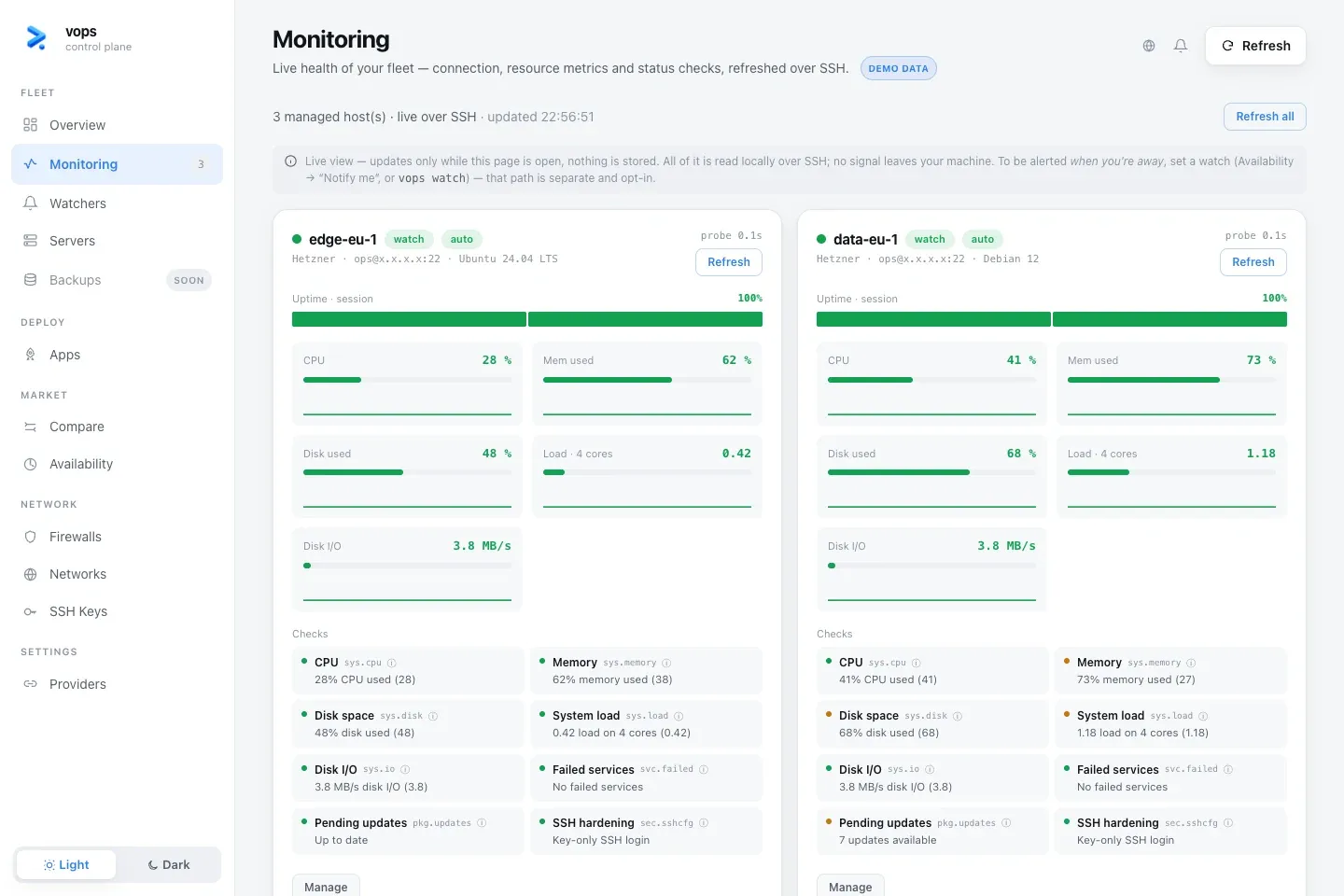
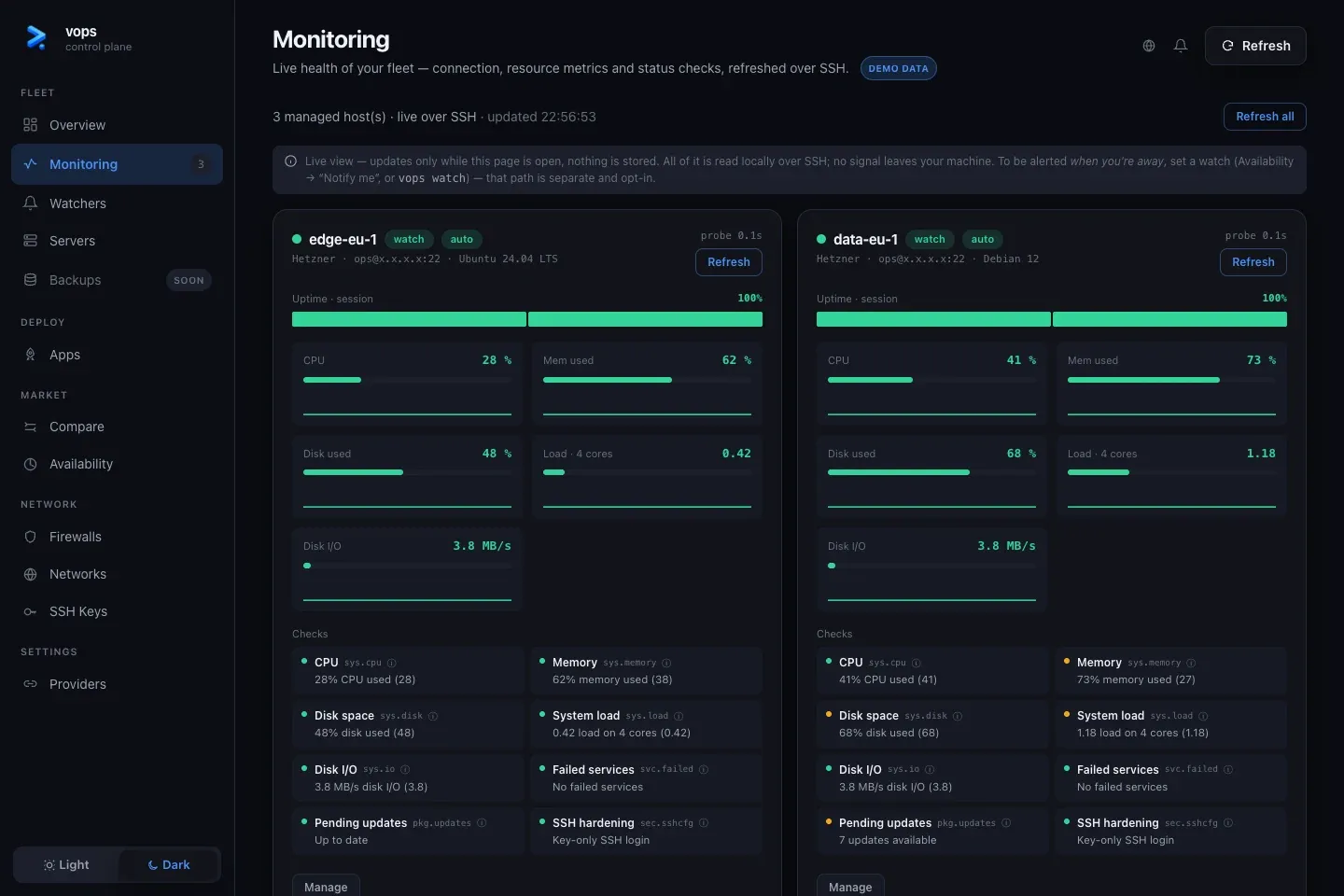
Monitoring runs live read-only probes over SSH. It shows reachability, resource signals and individual findings for configured hosts. It does not depend on a permanent vops daemon on the server.
A host with “SSH not ready” has inventory but no usable access path. Configure the connection before interpreting missing metrics.
The dashboard keeps a short local series while it is open. It is not a long-term metrics database.
vops host status web-1Use the CLI form when the complete finding detail or JSON result needs to be captured.
Host management
The host detail view gathers actions that share one SSH target:
- connection and key state;
- live health;
- package updates;
- hardening;
- firewall state;
- application and monitoring context;
- benchmarks and other host operations when available.
Inspect first. A healthy connection does not imply that an update, hardening change or benchmark is non-disruptive.
Watchers
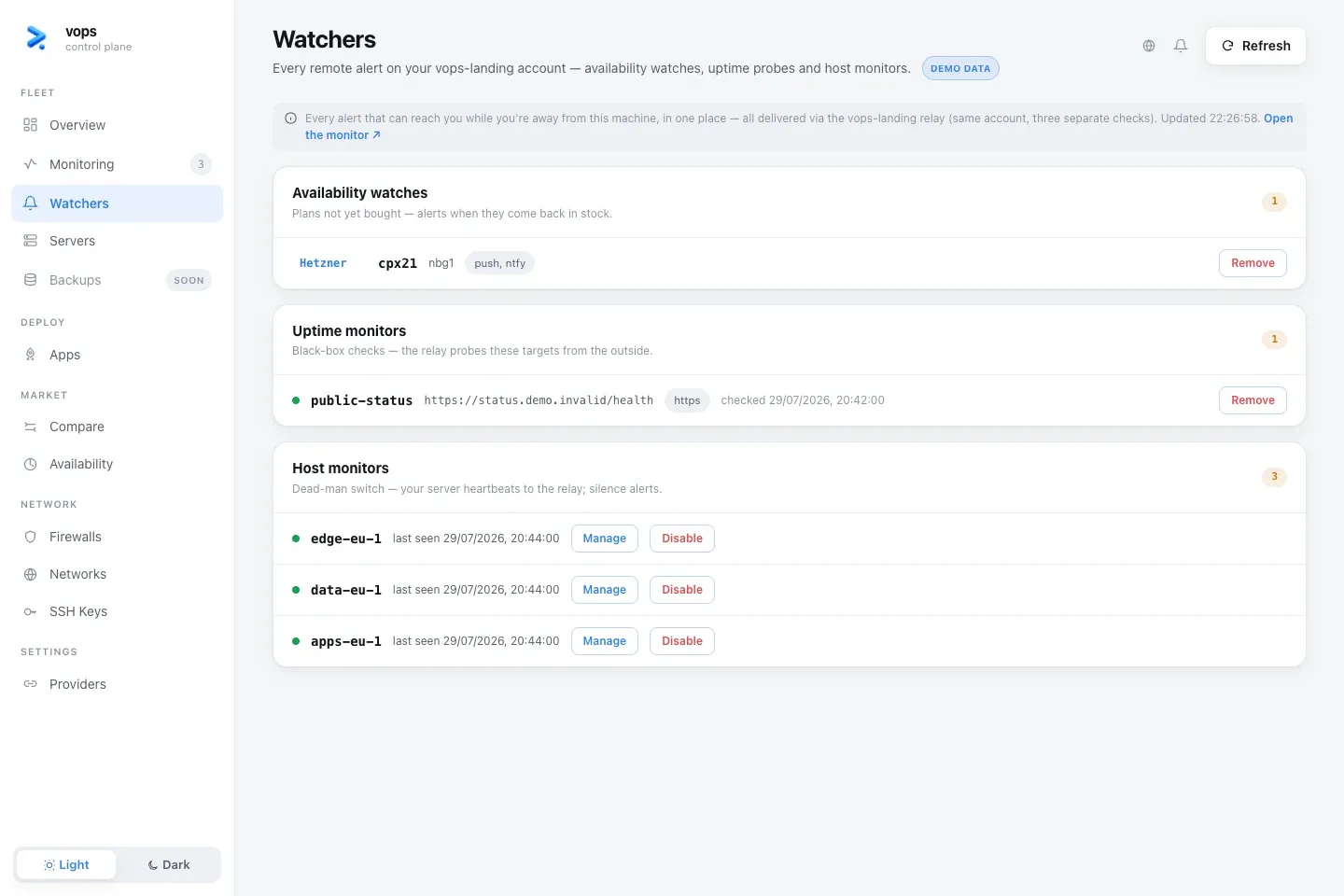
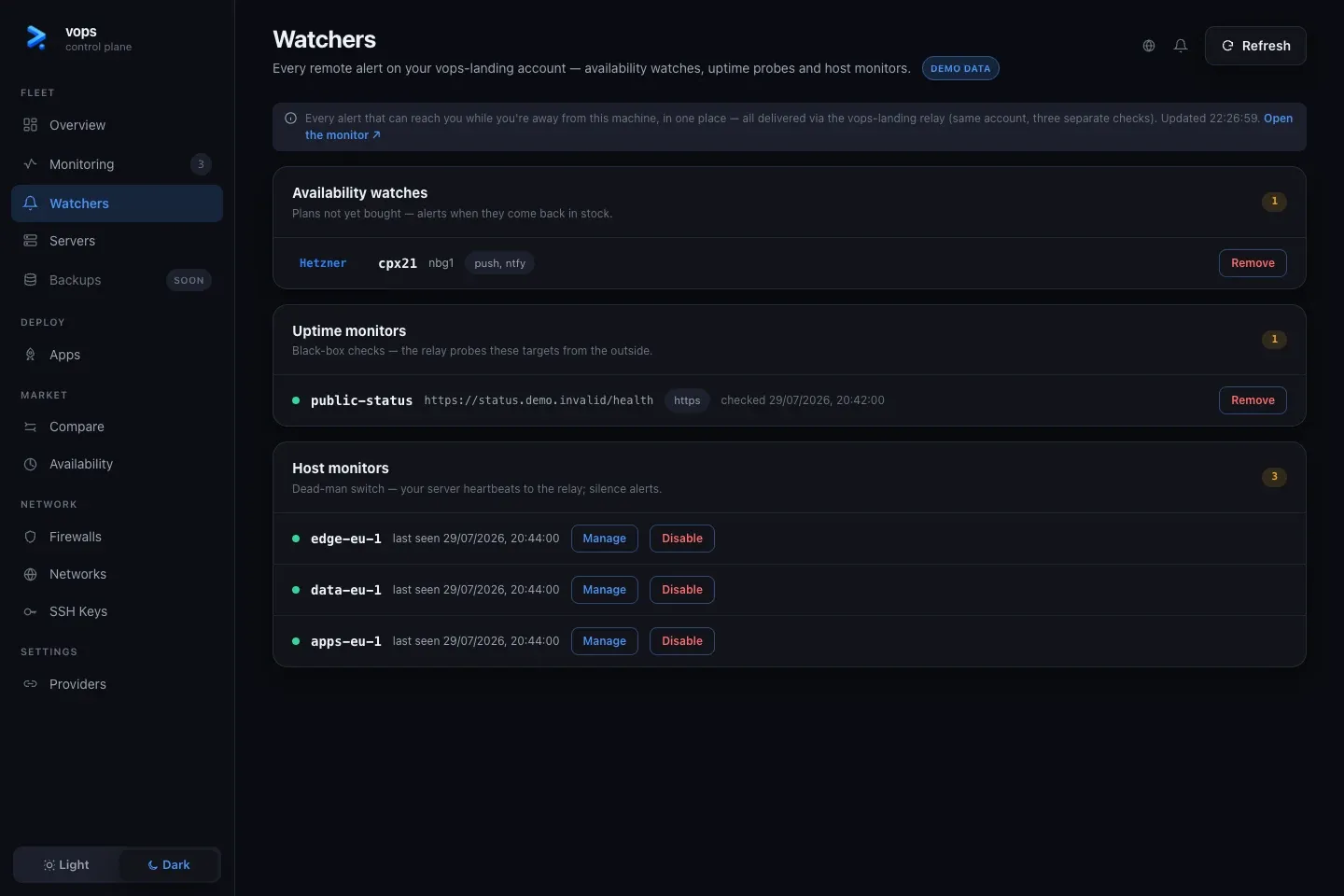
Watchers is the hosted-alert view:
- availability watches for plans not yet purchased;
- external black-box uptime monitors;
- host dead-man monitors.
These records come from the relay connected through vops watch login.
Removing a watcher stops that alert; it does not change the provider server,
application or local host inventory.
vops watch listvops watch feed --follow