
Applications
The Apps view combines a local marketplace with the application installs vops knows how to reach. It is designed around an application and its target host, not around low-level container objects.
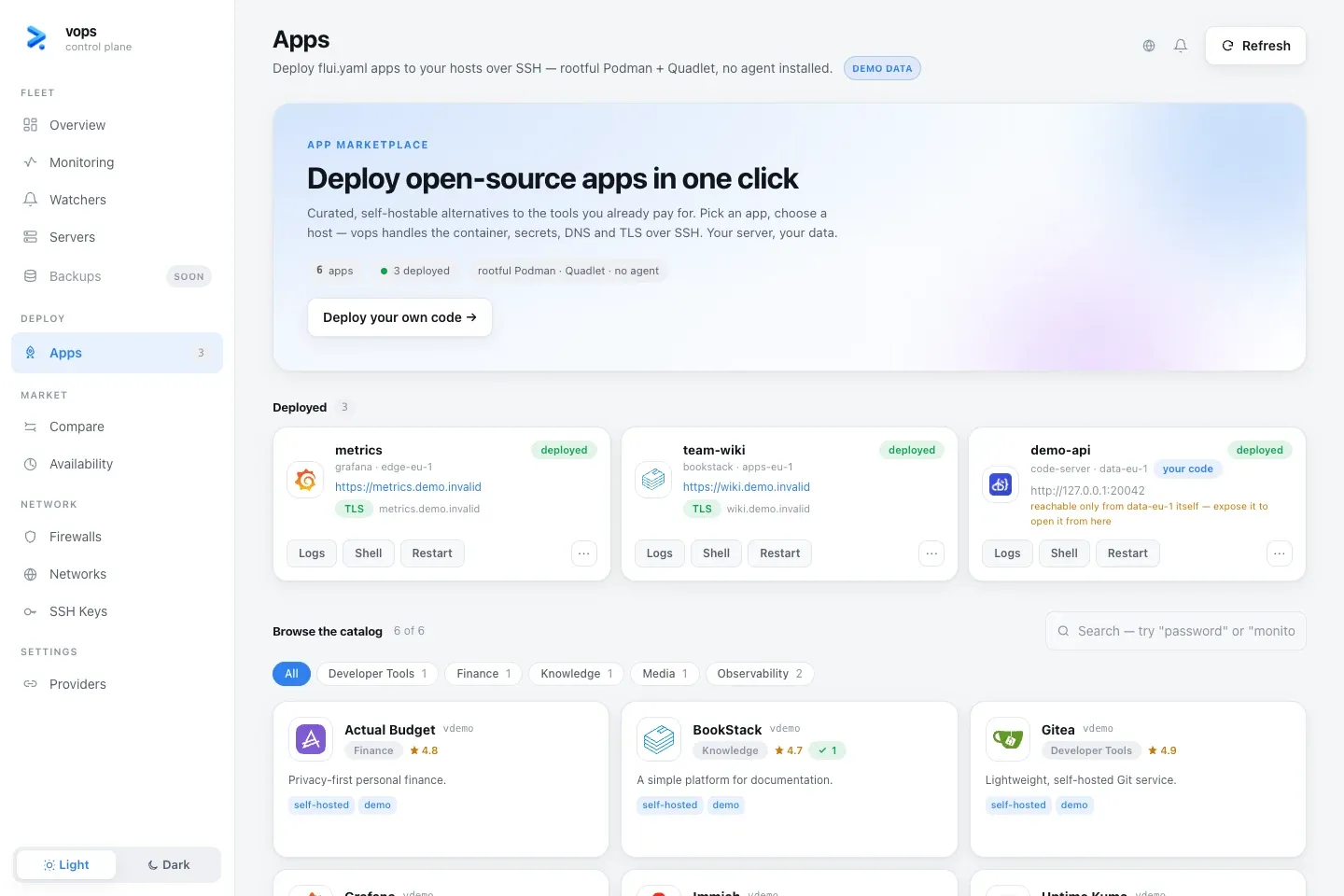
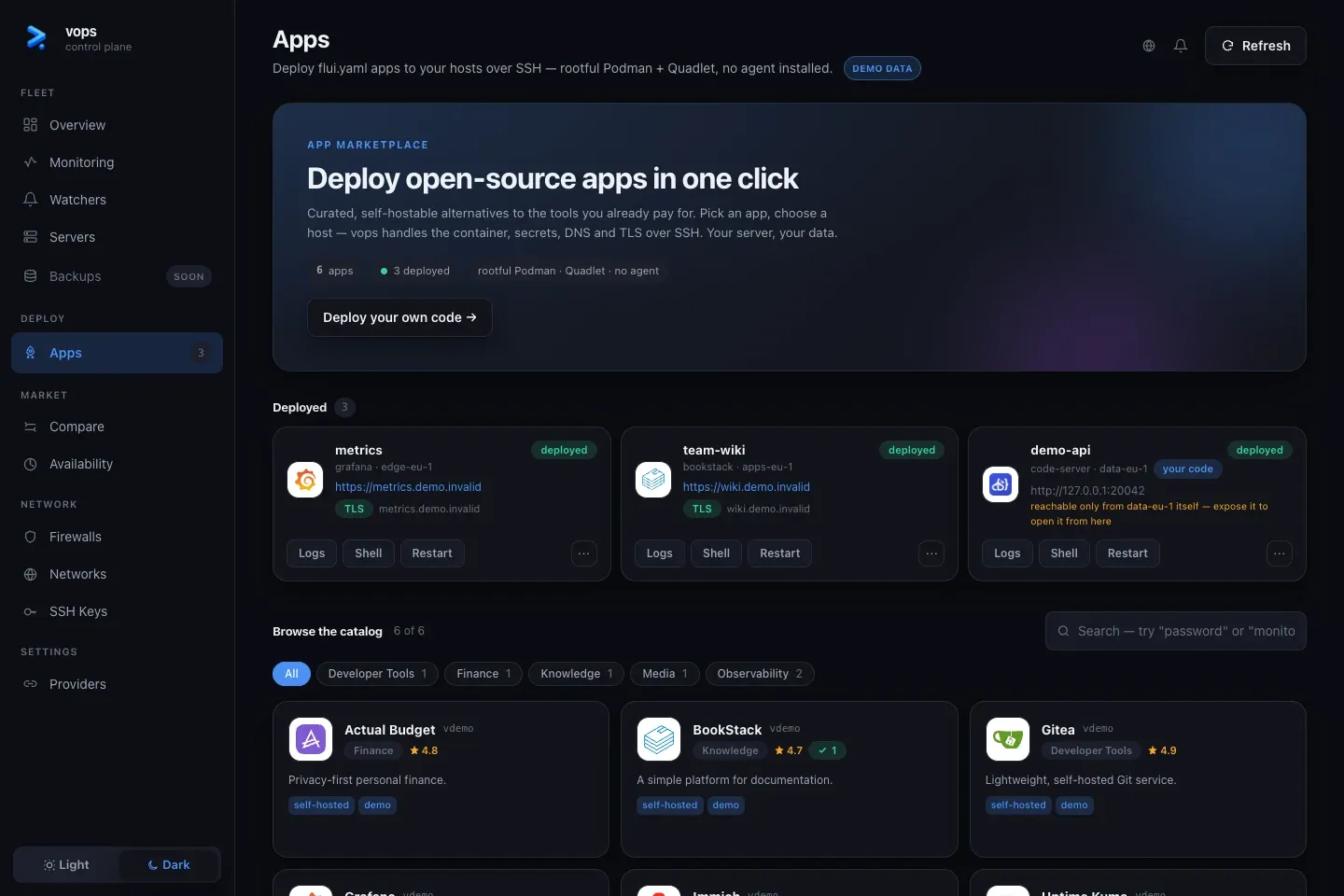
Browse the catalog
The marketplace is bundled with the installed vops version and works offline. Filter entries, open one to review its purpose and configuration, then choose a known host.
Before an install, the dashboard collects declared values and renders a preflight or plan. The install is not complete until the user approves the persistent change.
CLI equivalent:
vops app catalogvops catalog describe <catalog-id>vops app install <catalog-id> --host web-1Deploy your own code
Deploy your own code begins the repository path. A flui.yaml, a target
host and a published image are still the deployment contract. vops does not
build the image on the workstation or VPS.
Use the explicit CLI workflow when the build or immutable plan must be handed between people or tools:
vops spec validate flui.yamlvops build run --waitvops deploy plan --spec flui.yaml --host web-1 --image <image>vops deploy apply --plan <plan-id> --yesvops deploy verify --app <install-name>Deployed applications
Each install shows its host, endpoint and current reachability context. The available actions include:
- status and recent logs;
- restart;
- opening or copying a container-shell command;
- expose or unexpose;
- remove;
- forget an orphaned local install record.
Restart keeps images, service definitions and secrets. Remove changes the host. Forget removes an unreachable or orphaned local record and should not be presented as proof that the remote workload disappeared.
Exposure and access
Exposing an application can:
- bind it behind the host ingress;
- add a hostname;
- request TLS;
- enable the supported access gate.
The dashboard should surface DNS or certificate warnings rather than hiding them behind a successful container start.
After deployment, an access card may show how the first administrator is created or where a generated credential can be revealed. Revealing a secret is an explicit human action. Rotate first-login credentials as soon as the application supports it.
Logs and shell access
Logs are read from the selected application on the host. Download or copy them only after checking for application-level secrets.
The shell action is powerful even though it targets a container rather than a generic host shell. The dashboard exposes the equivalent vops command so the user can see exactly what will be opened.
vops app logs <install-name> --lines 200vops app shell <install-name>