Market and network
Market views help choose a server. Network and provider views manage the access and connectivity around the chosen resource.
Compare
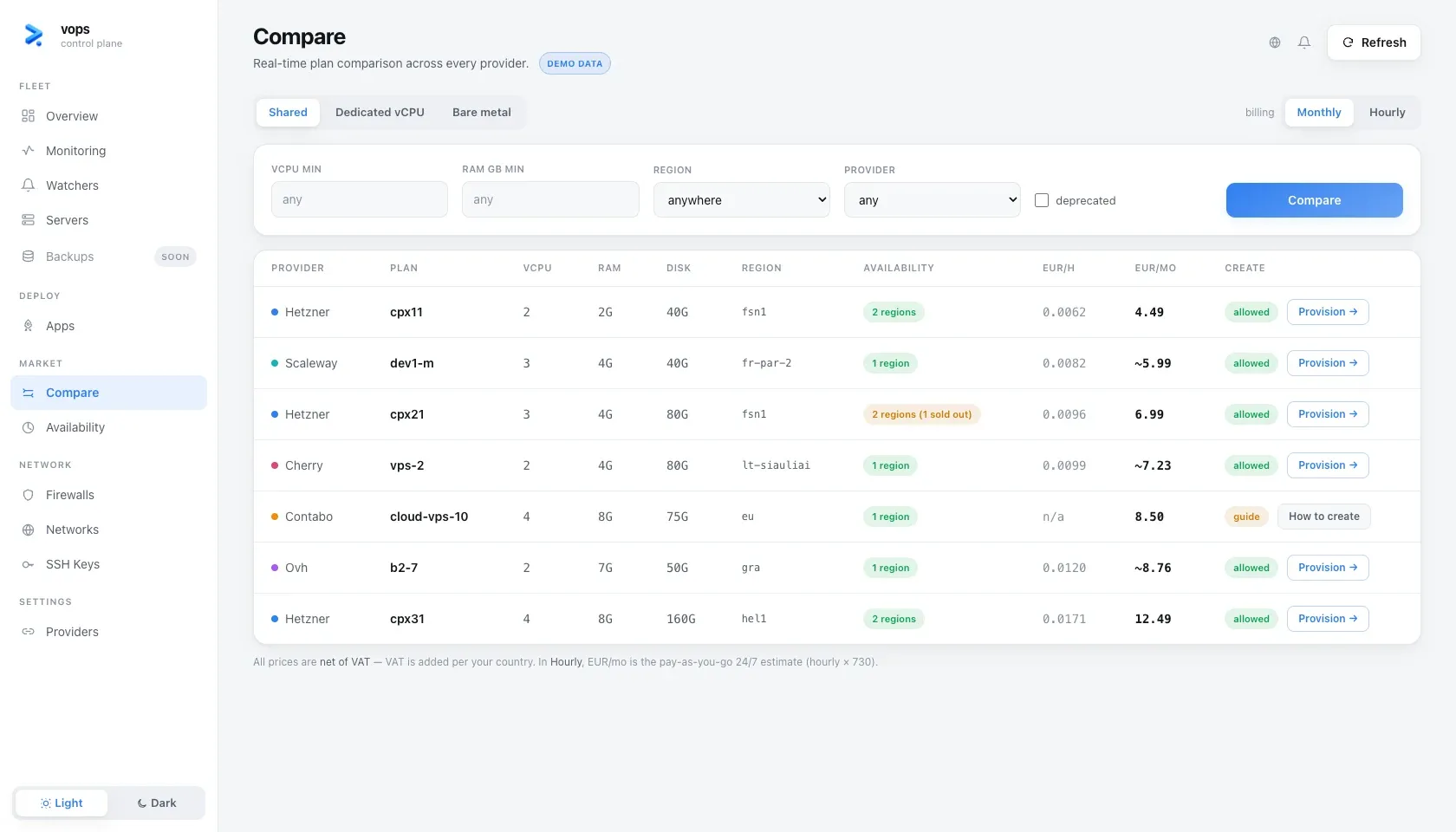
Compare normalizes plans across supported providers. Filters cover workload shape, region, provider and billing preference. Deprecated plans can be shown for understanding existing resources, but are not purchasable.
A result can lead to:
- a vops provisioning plan when the provider and billing gate allow it;
- a guidance path when vops deliberately does not place the order;
- an out-of-stock state that can be watched.
Opening Provision must still produce a reviewable plan before a billable creation.
vops comparevops servers plan --helpAvailability
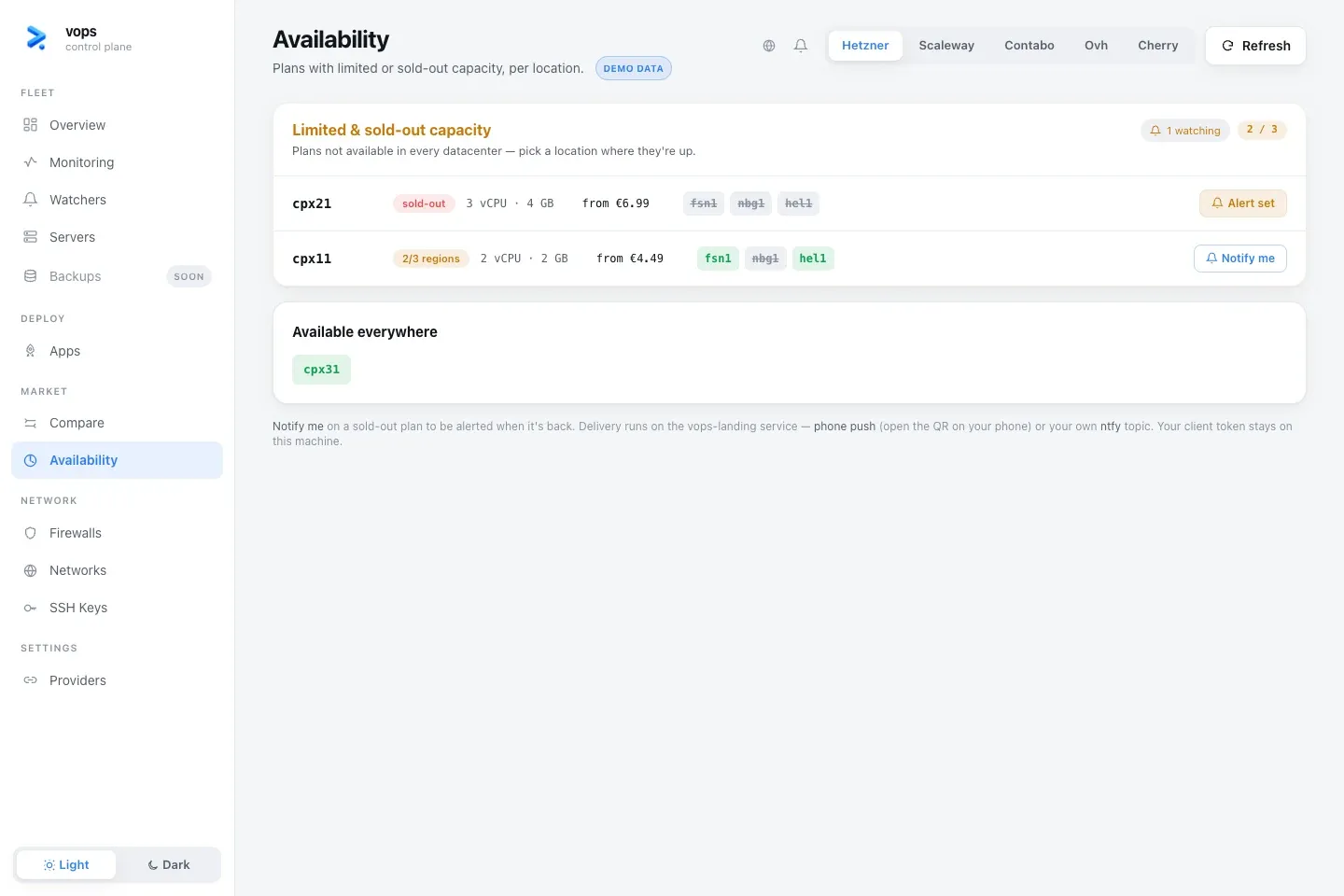
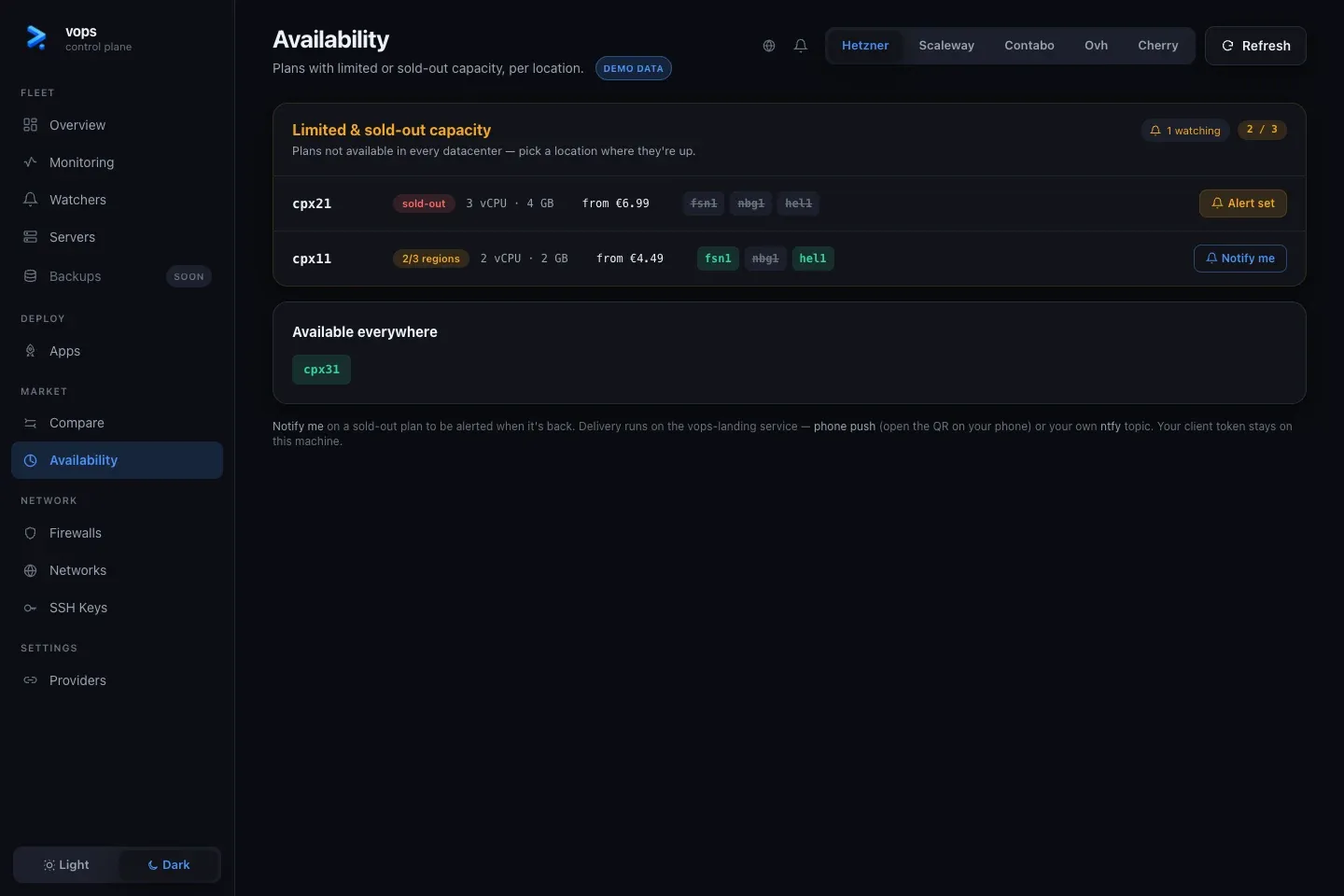
Availability separates limited or sold-out plan-location combinations from plans available everywhere. A notification action creates a watch; it does not reserve stock or purchase the plan.
vops providers availability <provider>vops watch plan add --helpFirewalls
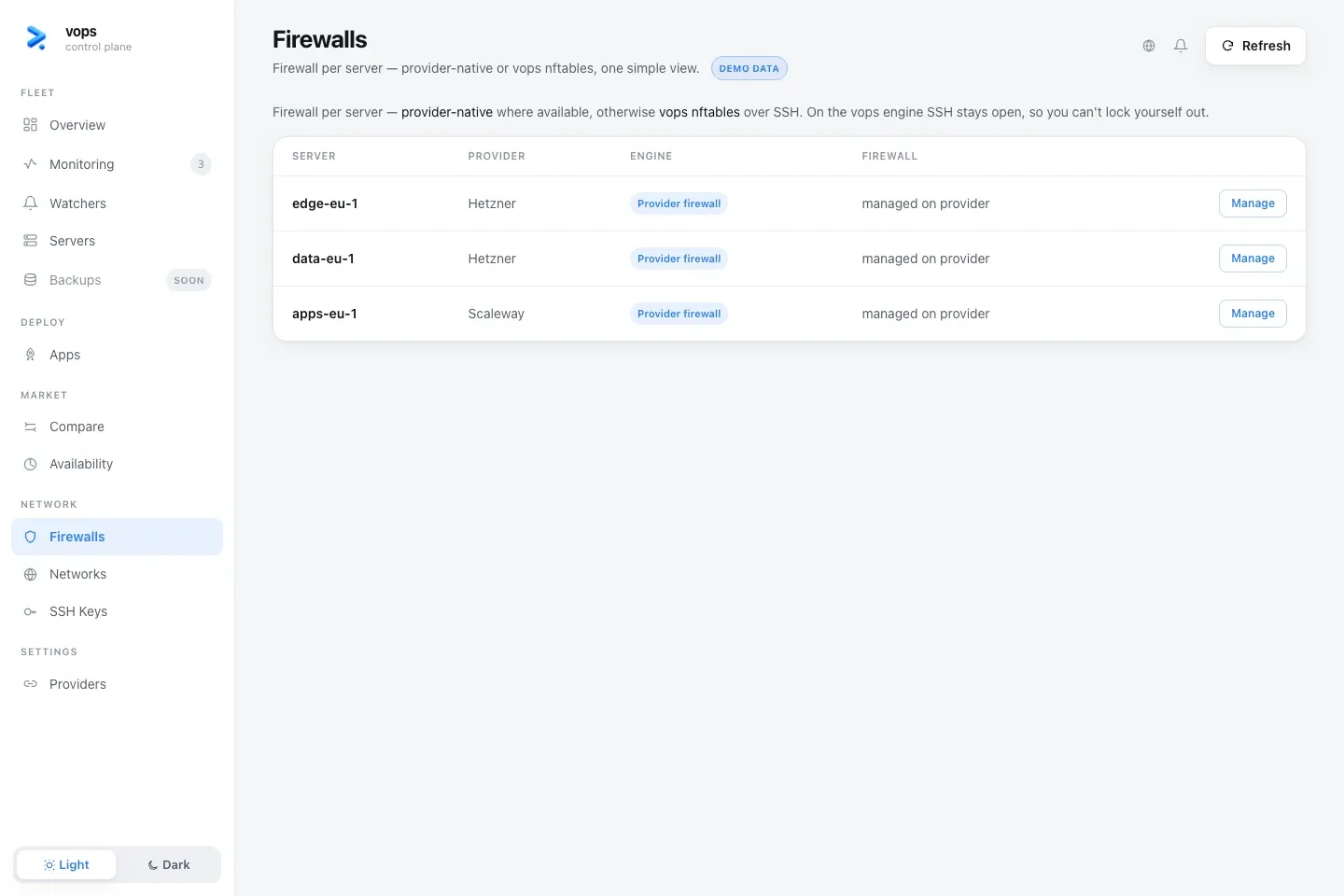
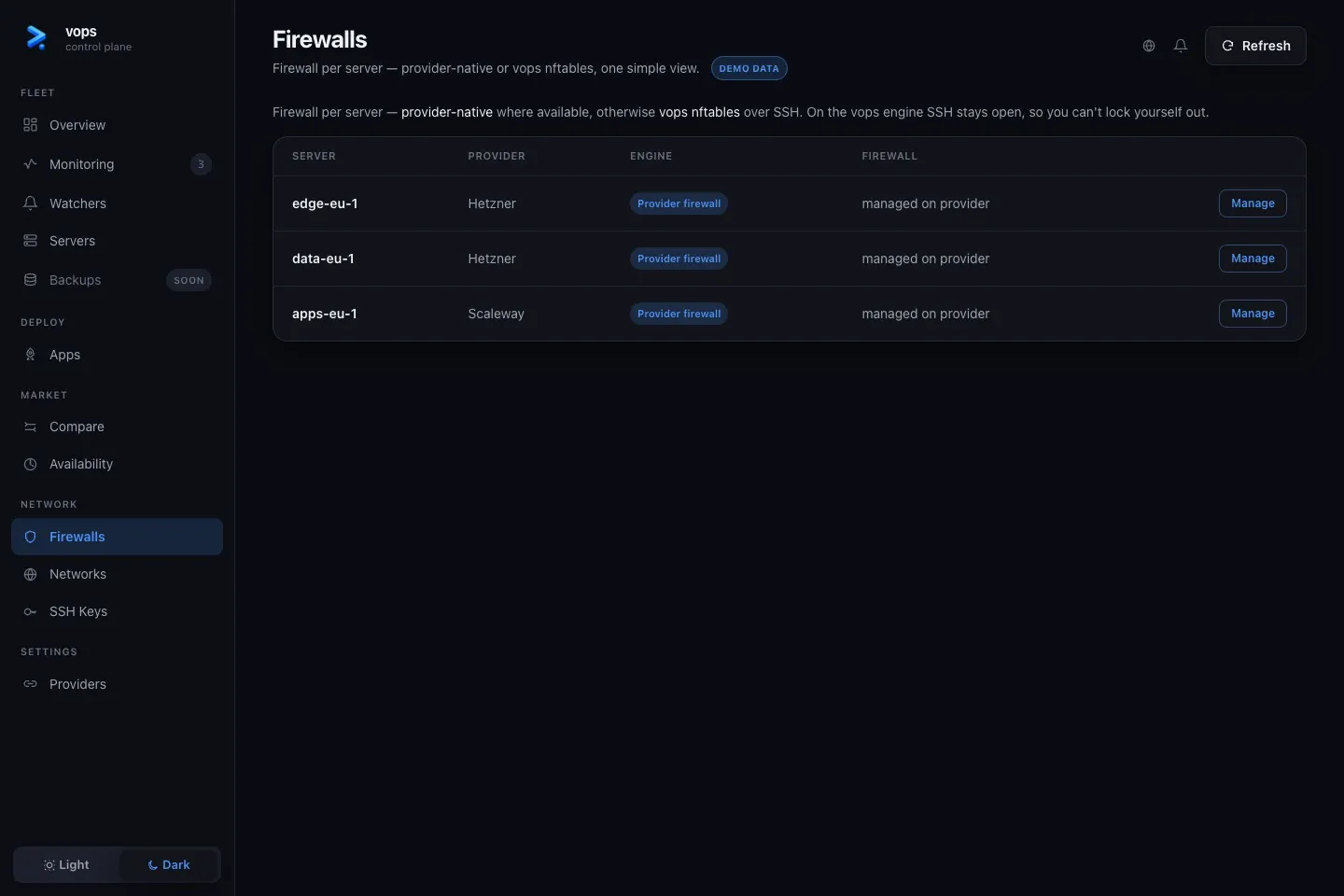
The Firewalls view starts from registered hosts and routes the user into the unified firewall model. Depending on provider capability, the active engine can be provider-native or managed on the host.
The view also reports a firewall vops can detect but does not own. It must not offer destructive management of another system’s rules as though they were vops-owned.
vops host firewall web-1Networks
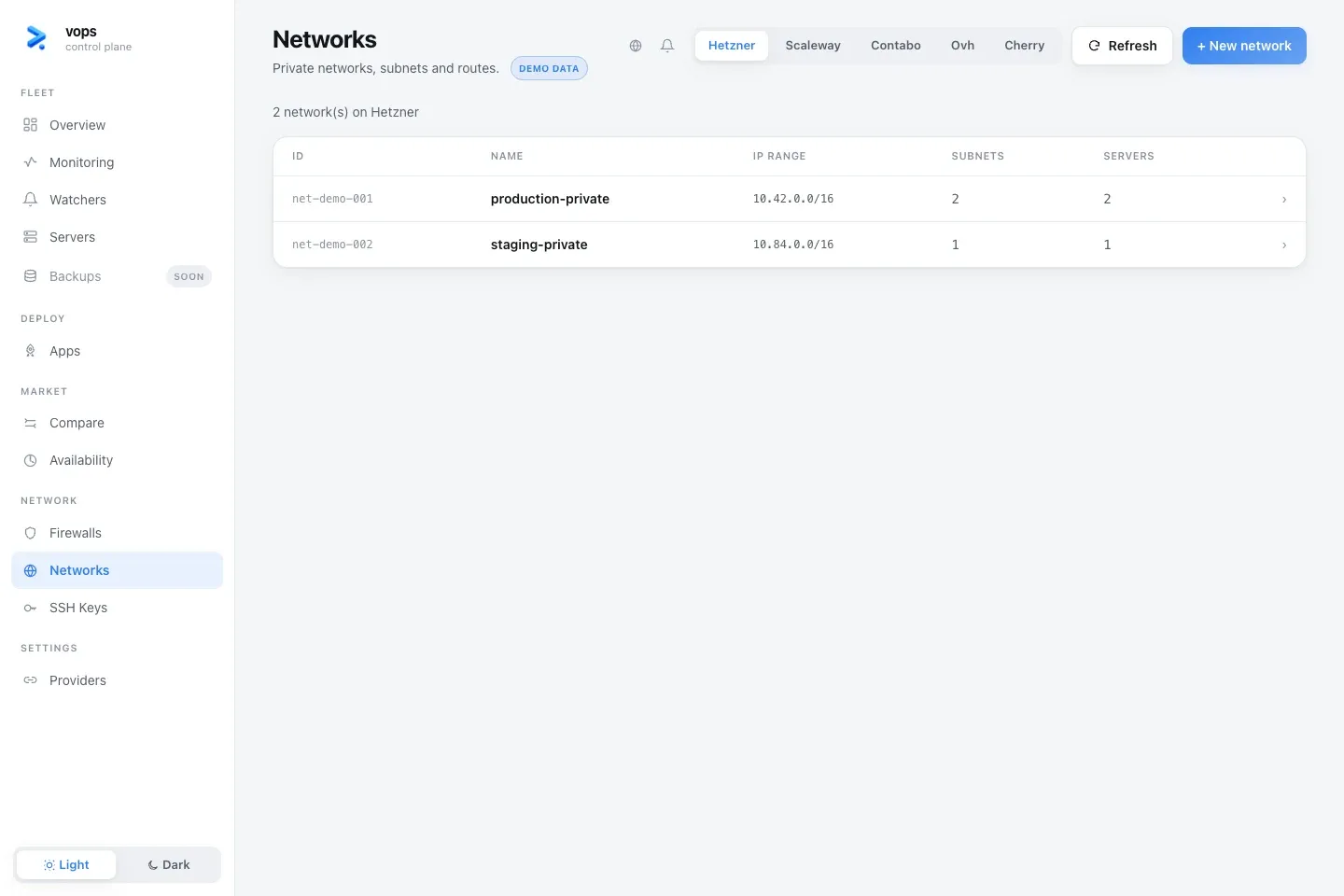
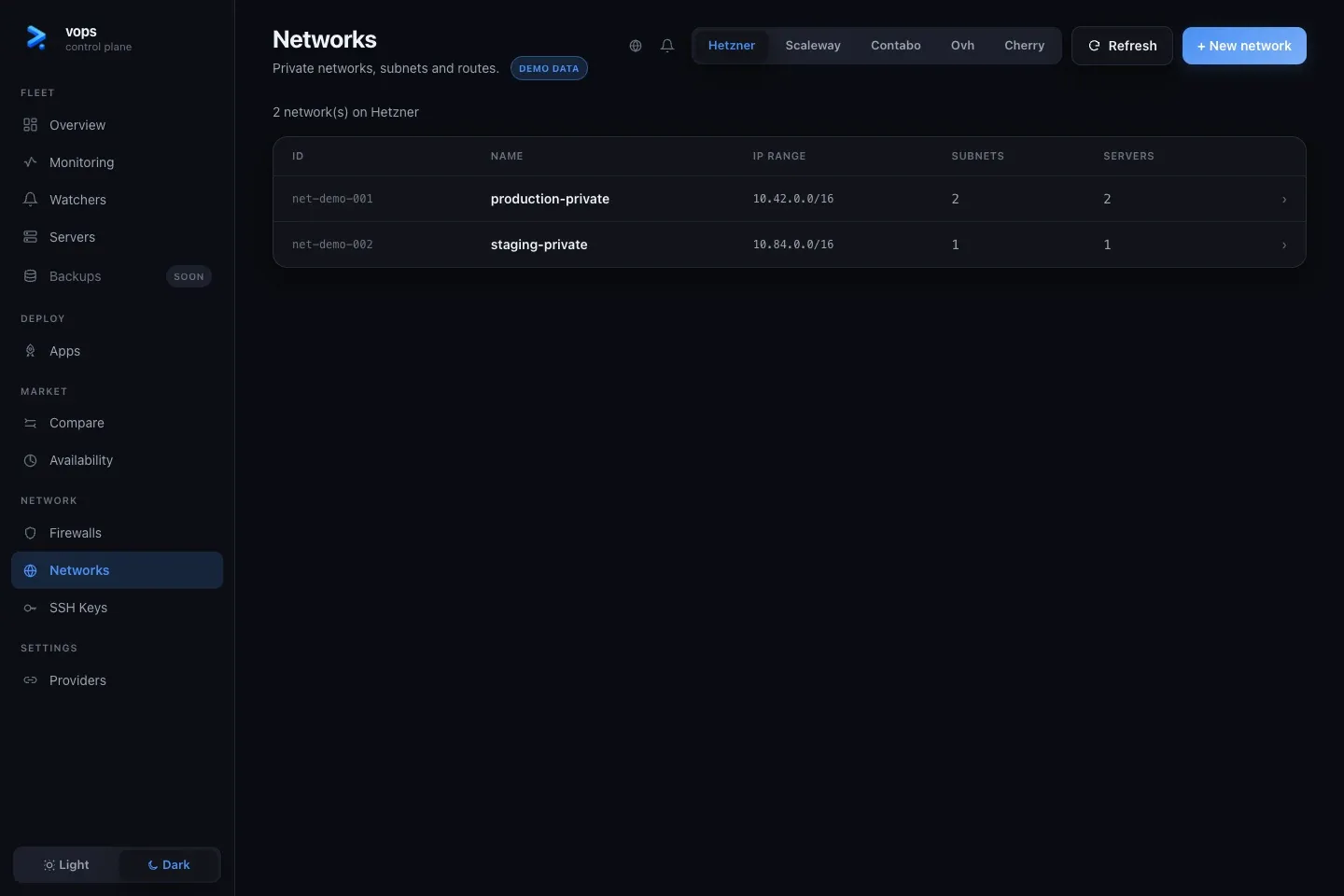
Networks lists provider-supported private networks, subnets and routes. Support varies by provider, so an empty view can mean “unsupported” rather than “no network exists.”
vops providers capabilities <provider>vops vnet list --provider <provider>SSH Keys
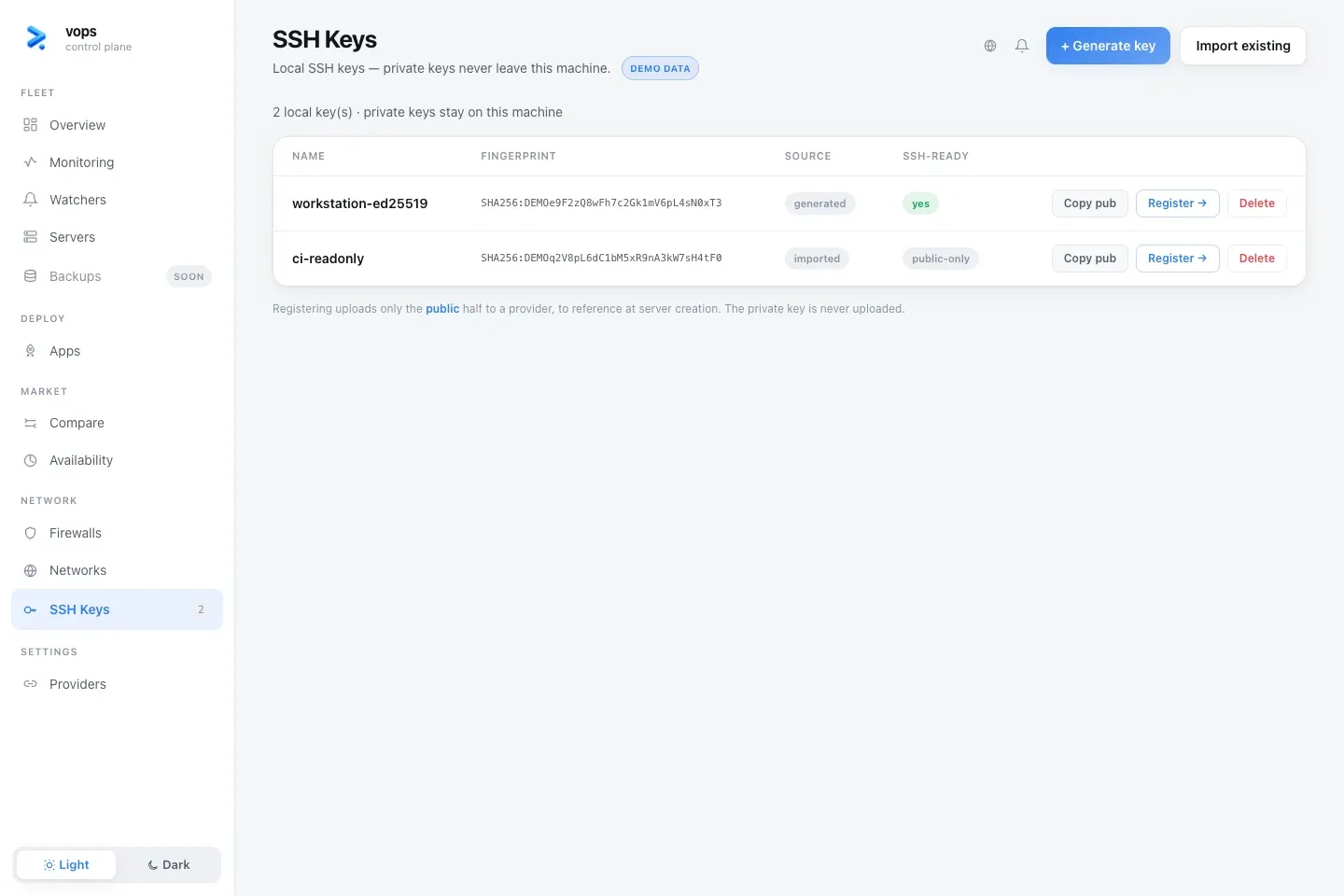
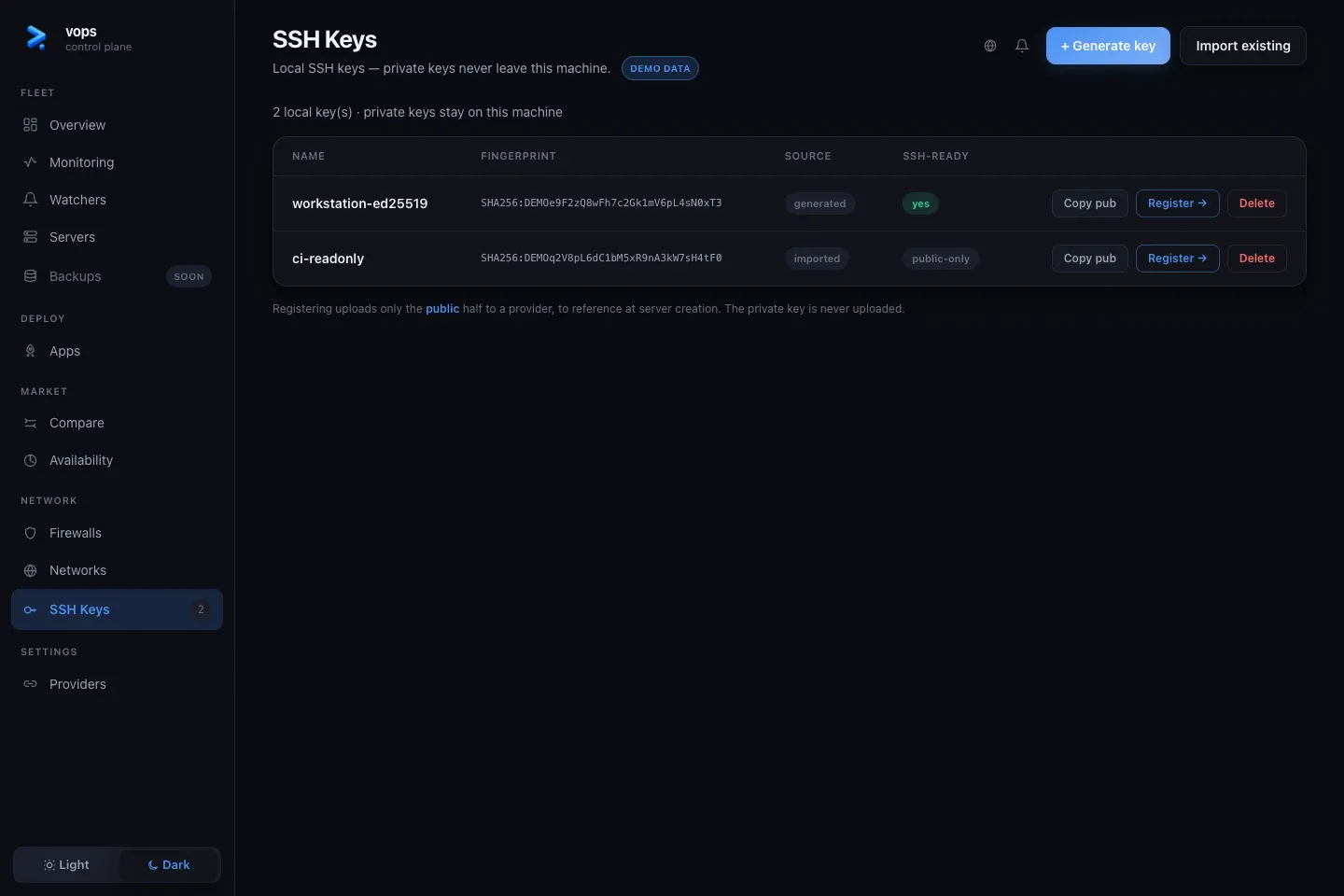
SSH Keys shows local key metadata and public halves. Private key material is not displayed. From this view a user can:
- create a local key;
- import an existing public or private-key reference;
- copy the public half;
- register the public half with a provider;
- delete a local vops-managed key record.
Deleting a local key can break future access. It does not automatically remove every copy already authorized on a provider or host.
Providers
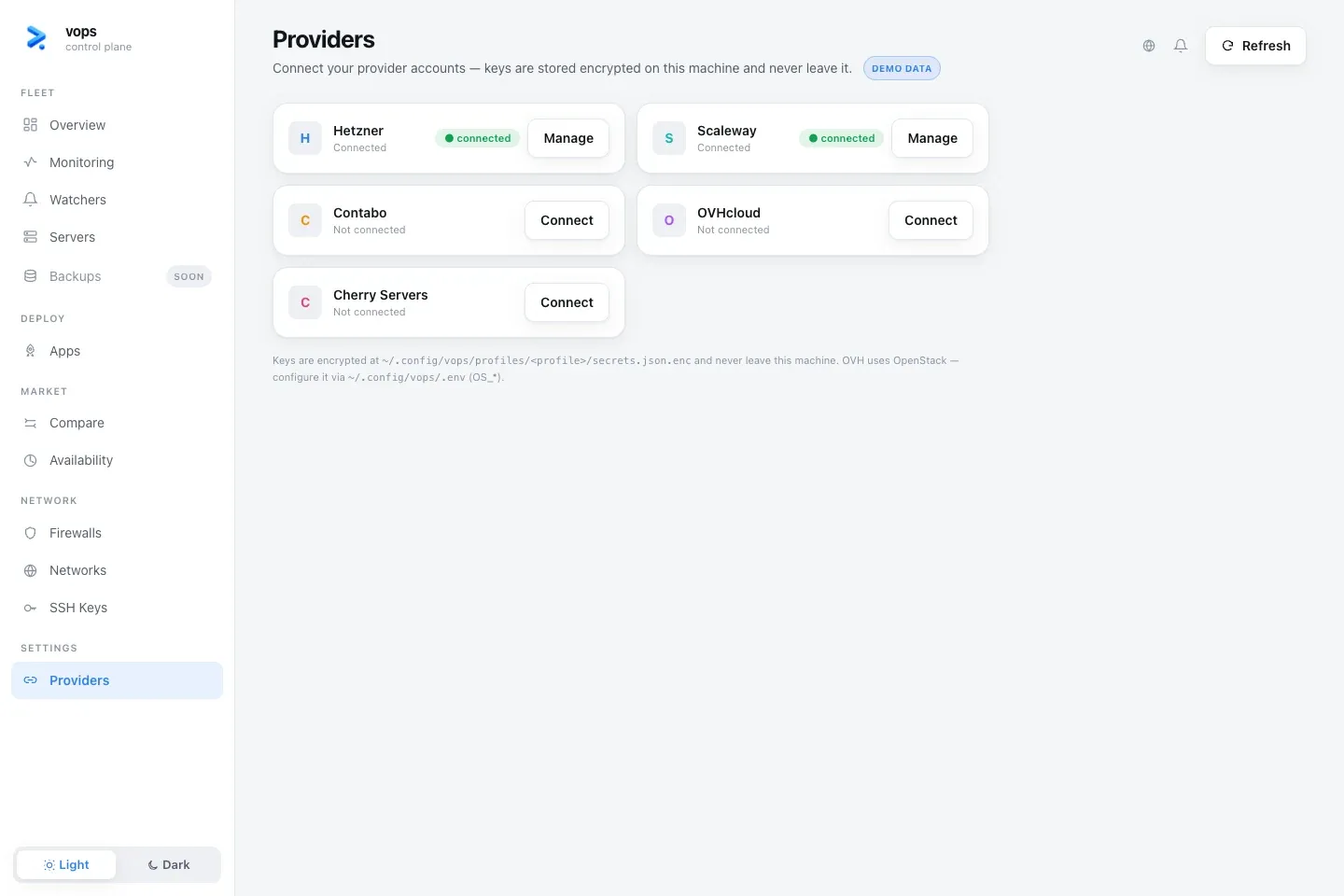
Providers shows whether each account connection is configured and lets the user connect or disconnect supported credentials.
The form talks only to the loopback local API. Credentials are stored in the active local profile and are never sent to a vops account. A sealed and locked profile requires terminal unlock before the browser can perform a credential-backed action.